

Choosing the best computer screens can feel overwhelming – too many specs, confusing marketing, and hidden compromises. Eye strain, awkward neck angles, and washed-out colors turn long sessions into pain, and buying the wrong monitor wastes money and time. This intro helps you avoid bad fits and find a screen that supports comfort, posture, and productive workdays.
In this guide you’ll find the best computer screens from budget to premium picks, focused on ergonomic monitors, adjustability and eye-care features. We evaluated panel quality, stand flexibility, durability and value for money so you can pick a display that reduces fatigue, supports good posture and lasts through long hours at the desk.
Best Overall: Philips 22″ Full HD 100Hz Monitor – reliable 100Hz panel with adaptive sync and a 4‑year advance replacement warranty
Best Budget: LG 32″ Curved FHD 100Hz Monitor – big curved screen and solid performance for the price
Best Premium: Samsung 34″ Ultra‑WQHD 100Hz Monitor – ultrawide QHD, HDR10 and a borderless design for multitasking
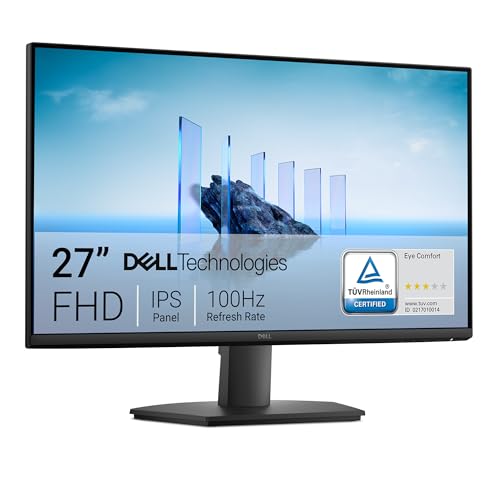
Best for Long Hours: Dell 27″ Full HD 100Hz IPS Monitor – ComfortView, IPS color consistency and durable build

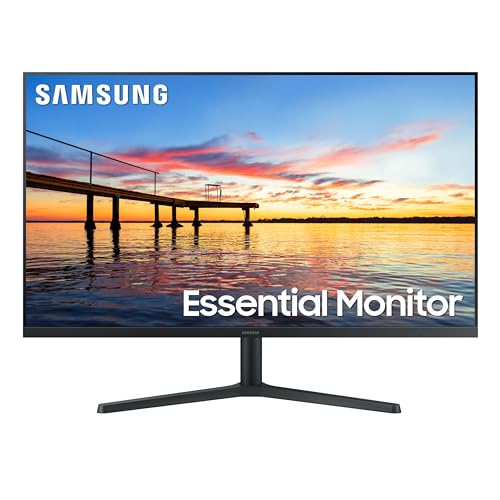


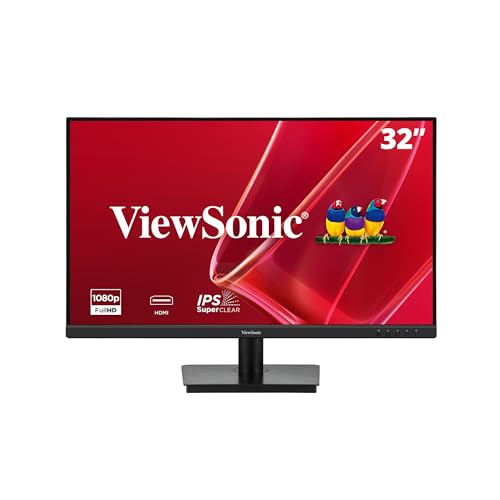
Buying Guide
Ergonomics & posture: how the screen affects comfort
Monitors aren’t just about pixels – they shape how you sit. The ideal screen position keeps the top third of the display roughly at eye level and the panel about an arm’s length away. Poor placement forces you to lean forward or tilt your head, which increases neck and lower-back strain and amplifies the need for good lumbar support in your chair.
- Height and tilt: position the screen so you can view it without hunching or looking sharply up.
- Distance: larger or higher-resolution panels can sit slightly closer; small screens should be brought in rather than leaning forward.
- Curved vs flat: a gentle curve helps maintain consistent viewing angles on best large screen computer monitors or ultrawide displays, reducing neck rotation during long sessions.
Adjustability & mounting: stands, VESA and flexibility
How a monitor adjusts is central to long-term comfort. Look for tilt, swivel and height adjustment if you switch tasks or share the screen. If an ergonomic stand isn’t available, a VESA mount opens many desk-arm options that let you fine-tune posture-supporting positions.
For example, the Philips 22-inch 221V8LB includes VESA compatibility and a slim footprint, which makes it easy to pair with aftermarket monitor arms or sit in a comfortable, posture-friendly position.
- VESA compatibility: enables third‑party arms for precise height and angle control.
- Built‑in adjustments: reduce the need for extra accessories and keep the desk setup neater.
- Dual- or triple-monitor setups: prioritize mounts or adjustable stands to align multiple screens at the same eye level.
Screen size, resolution and real-world use cases
Choose size and resolution based on the work you do. Small Full HD monitors are fine for web browsing and office tasks. Designers and multitaskers seeking best high resolution computer monitors benefit from larger or ultrawide QHD panels that fit multiple windows without constant switching. Gamers often prefer higher refresh rates and fast response times.
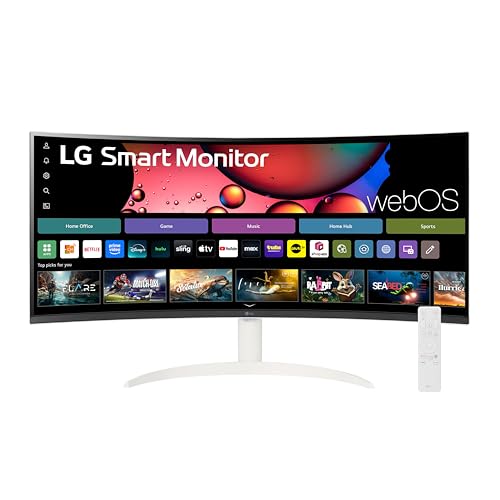
If you want an ultrawide option that blends productivity and entertainment, consider a 34-inch QHD curved smart monitor like the LG 34SR60QC 34-inch QHD, which gives extra horizontal space for timelines, spreadsheets and side‑by‑side apps.
- 1080p on 22-27″: good balance of clarity and value.
- 1440p or ultrawide: better for creative work and heavy multitasking.
- Refresh rate: 60-100Hz is fine for most productivity; higher rates suit competitive gaming.
Panel type, color and response: choose by task
When choosing best computer displays, panel technology shapes color, contrast and viewing angles. IPS panels usually offer the best color consistency and wide viewing angles for design and content creation. VA panels deliver deeper contrast, which can help in dark-room media work. For fast-paced gaming, response time and variable refresh technologies (FreeSync/Adaptive Sync) reduce motion blur and tearing.
- Color accuracy: look for high sRGB coverage or factory calibration if color-critical work matters.
- Contrast & blacks: VA panels generally win for deeper blacks; IPS wins for color fidelity.
- Motion handling: lower milliseconds and adaptive sync improve perceived smoothness.
Durability, warranty and value for money
When shopping for best quality computer monitors, consider build quality, port selection and the warranty period when assessing value. A longer warranty or advance-replacement program can save time and money if a panel fails. Metal stands, robust bezels and good customer support are often signs of a longer-lasting purchase.
- Warranty: check what’s covered (panel, dead pixels, replacement timelines).
- Ports & expandability: HDMI, DisplayPort and USB options extend the monitor’s usable life as your devices change.
- Overall value: match features to your primary tasks – paying more only makes sense when you need the extra resolution, color accuracy or ergonomics.
FAQ
Which monitors are best for long hours of work?
Pick best external computer monitors that reduce eye strain: look for low-blue-light or flicker-free modes, matte anti-glare coatings, and adjustable stands to keep the top of the panel at eye level. A compact, eye-care-focused model like Philips 221V8LB 22-inch monitor shows how LowBlue technology and Adaptive Sync can help during long sessions. Prefer IPS or VA panels for wider viewing angles and consistent color when you shift position. Also keep brightness and contrast comfortable rather than maxing them out, and take regular breaks to protect your eyes.
IPS vs VA vs TN monitors – which should I buy?
Choose IPS if you need accurate colors and wide viewing angles for design, photo work, or spreadsheets. VA panels deliver stronger contrast and deeper blacks, which is nice for movies and mixed use. TN panels can offer the fastest response times for competitive gaming but sacrifice color and viewing angle. Match panel choice to your primary use rather than chasing one “best” type.
Are expensive monitors worth the price?
Expensive monitors can be worth it if you need higher resolution, better color accuracy, wider color gamut, HDR, or faster refresh rates for professional work or serious gaming. For general browsing, office work, and casual media, midrange screens often deliver excellent value. Consider whether features like factory calibration, ultrawide formats, or premium warranty will actually improve your workflow before upgrading. Reading reviews and testing color or motion performance in person helps justify the extra cost.
What features matter most when shopping for the best computer screens?
When shopping for best computer monitors, focus on panel type, resolution, refresh rate, and ergonomics first – these affect daily comfort and image quality the most. Ensure the monitor has the ports you need (HDMI, DisplayPort, USB) and supports the resolutions and refresh rates your computer can drive. Features like eye-care modes, adjustable stands, and a solid warranty also matter for long-term use. If you rely on color accuracy look for IPS panels and factory calibration or wide color coverage.
How long do monitors last and how should I maintain them?
Monitors can last several years with normal use, but lifespan varies by build quality, usage patterns, and care. To extend life avoid static full-screen images for long periods, run screen savers, and keep brightness at reasonable levels. Clean screens gently with a microfiber cloth and manufacturer-recommended cleaner; never spray liquid directly onto the panel. Using a surge protector and keeping vents dust-free will also reduce the risk of premature failure.
Final Verdict
After comparing the top screens, the strongest models stood out for balanced image quality, higher refresh rates with adaptive sync, reliable eye‑care features and solid mounting/connectivity plus good warranty and support. Buyers should prioritize panel type and color accuracy, refresh rate and adaptive sync, ergonomics/VESA compatibility, and practical ports. The top performers combined consistent color and motion handling with thoughtful ergonomics, straightforward connectivity and dependable warranties-features that matter for daily productivity and gaming alike.
🏆 Best Overall: Philips 221V8LB 22-inch Thin Full HD Monitor 100Hz
💰 Best Budget: LG 32MR50C-B 32-inch Curved FHD 100Hz FreeSync Monitor
⭐ Best Premium: SAMSUNG ViewFinity S50GC 34-inch Ultra-WQHD 100Hz Monitor

Comments are closed.
No reviews yet. Be the first to share your experience!