

Broadcasters needing massive workspace without secondary screens should look at the Samsung 49” Business Curved Ultrawide Dual QHD. Its 32:9 ultrawide canvas allows you to manage streaming software, video feeds, and live chat side by side with zero bezel obstruction. If you manage multiple inputs or need desktop space, exploring options in our desktop and external monitors category helps optimize your broadcast room.
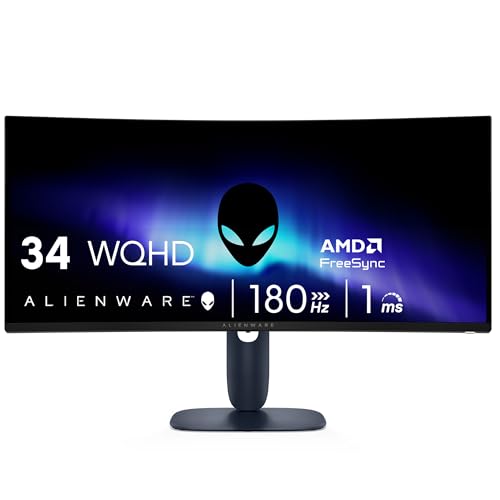
For content creators seeking responsive gaming alongside broadcast production, the Alienware 34 Curved Gaming Monitor – AW3425DWM offers great balance with high refresh rates and deep contrast. In October 2026, our comparison of 7 models highlights how modern curved displays elevate broadcast management while keeping desk setups tidy.
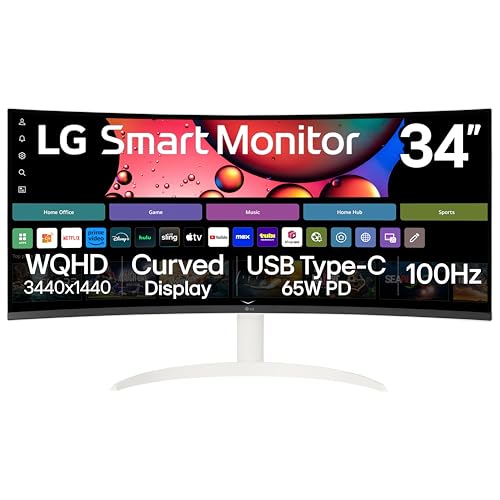

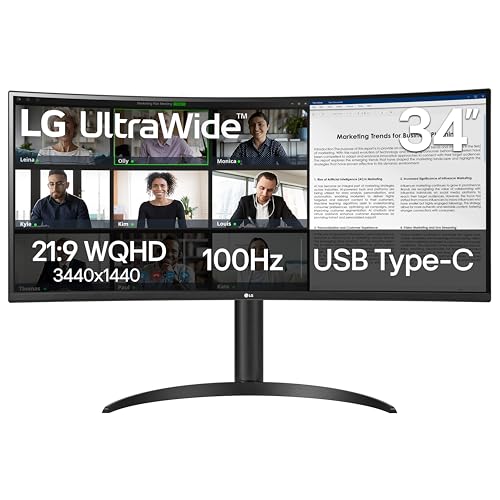
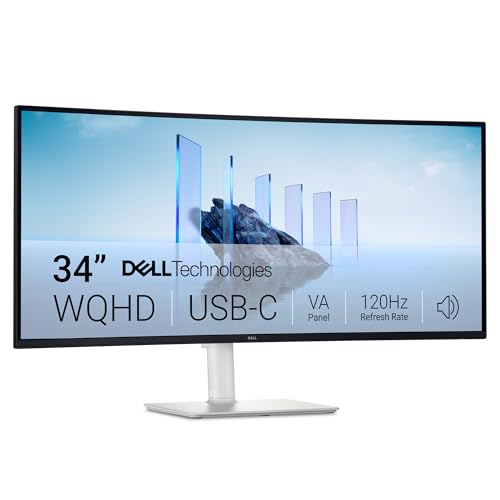
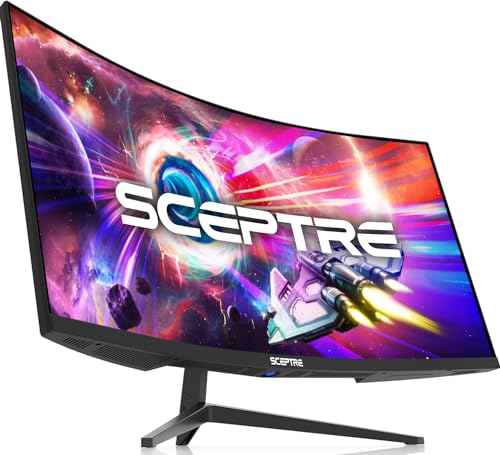
Best Curved Monitors for Live Streaming Buying Guide
Aspect Ratio and Screen Real Estate
Selecting the right aspect ratio dictates how efficiently you can organize broadcast layouts during a live session. Standard 16:9 displays often force creators to stack windows or rely on multi-monitor setups that clutter the desk. Ultrawide 21:9 and super-ultrawide 32:9 ratios provide the horizontal room needed to dock chat feeds and streaming tools beside your primary canvas.
A 34-inch 21:9 monitor gives roughly 30 percent more horizontal workspace than standard widescreen options. If you run complex scenes with live alerts and mixer controls, a 49-inch 32:9 display replicates two seamless 27-inch screens without any dividing bezels. This expansive space prevents accidental window overlaps while you broadcast fast-moving gameplay.
Curvature Radius and Viewing Immersion
Curvature rating indicates how tightly the display bends around your peripheral vision, measured by radius values like 1000R, 1500R, or 1800R. A lower number represents a deeper curve that matches the natural arc of the human eye more closely. Tighter curves bring the screen edges into view without requiring constant head turning during marathon streams.
Aggressive curves like 1000R work exceptionally well on massive 49-inch panels to maintain consistent viewing distances across the screen. Milder curves like 1500R or 1800R fit 34-inch displays where subtle immersion is preferred for both gaming and general production work. Choosing an appropriate curve prevents neck fatigue when monitoring live feedback for hours.
Refresh Rate and Motion Clarity
Live streamers playing dynamic action games require high refresh rates to maintain fluid movement and minimize input lag. While stream viewers typically receive 60 frames per second, the creator benefits directly from refresh rates reaching 120Hz to 180Hz on screen. Smooth visual feedback enhances reaction speed during competitive gameplay sessions.
Pairing high refresh rates with low response times prevents ghosting artifacts that distort fast transitions. Look for displays with adaptive synchronization to eliminate tearing across varying frame outputs. For creators looking specifically at esports performance, checking our dedicated gaming monitors section provides further context on high-speed panels.
Display Resolution and Pixel Density
Resolution directly affects text sharpness and the amount of information visible on screen without scaling. A WQHD resolution of 3440 by 1440 pixels represents the sweet spot for 34-inch curved displays. It ensures stream alerts and chat text remain crisp while keeping GPU rendering demands within reasonable limits.
Super-ultrawide displays demand Dual QHD resolution at 5120 by 1440 pixels to prevent pixelation across a 49-inch surface. Sub-1080p density on large ultrawide panels leads to blurry text, making it harder to read viewer messages quickly. Crisp pixel clarity keeps your broadcast dashboards legible at a comfortable viewing distance.
Multitasking Inputs and USB Docking
Broadcasting setups frequently involve multiple video feeds, capture cards, and peripherals like microphones or stream decks. Displays equipped with USB-C power delivery streamline cable management by powering laptops and transferring display data through one connection. Built-in USB hubs allow you to plug audio interfaces and webcams directly into the monitor.
Hardware features like Picture-by-Picture and Picture-in-Picture enable the display to showcase feeds from two separate computers simultaneously. This capability allows dedicated dual-PC streaming setups to operate smoothly on a single physical panel. Reviewing our best external monitors guide can help you evaluate multi-device connectivity choices.
How We Evaluated
We evaluated each display by analyzing verified technical specifications, panel performance ratings, and interface capabilities across diverse streaming workflows. Our assessment focused on aspect ratio efficiency, curvature ergonomics, and refresh rate reliability to ensure smooth concurrent gaming and broadcast monitoring.
We examined multitasking support including Picture-by-Picture modes, onboard USB hub utility, and color gamut coverage. By prioritizing objective hardware parameters and ergonomics, we identified which curved displays best eliminate clutter in practical live broadcasting environments.
Common Mistakes to Avoid
Buying an ultrawide display with standard 1080p vertical resolution is a frequent misstep for creators. Low vertical density reduces window clarity and makes reading live chat fonts difficult across wide layouts.
Overlooking port bandwidth can bottleneck your broadcast system when running multiple displays or high refresh rates. Ensure your graphics card outputs match the HDMI 2.0, DisplayPort 1.4, or USB-C requirements of the chosen monitor.
Ignoring physical desk depth before choosing an aggressive curve can lead to awkward viewing angles. Massive curved displays with deep stands require ample desk clearance to maintain proper ergonomic distance.
Buying Checklist
- Verify display resolution meets at least WQHD (3440 x 1440) or Dual QHD (5120 x 1440).
- Confirm curvature radius matches your desk depth and viewing distance preference.
- Check that refresh rates reach 100Hz or higher for responsive gaming during broadcasts.
- Ensure video inputs include compatible DisplayPort 1.4 and HDMI ports for all stream sources.
- Inspect USB-C power delivery wattage if connecting a production laptop.
- Confirm Picture-by-Picture support if running a dual-PC broadcasting setup.
- Check VESA mount compatibility to ensure mounting arm support for heavy ultrawide panels.
Final Thoughts
Building a tidy broadcast setup starts with picking the right visual hub for your workflow. For streamers who need an uncompromising dual-screen replacement with clean cable management, the Samsung 49” Business Curved Ultrawide Dual QHD serves as the premier choice. Its vast panoramic surface effortlessly organizes live chats, mixer consoles, and broadcast software.
Creators wanting top-tier gaming fluidity alongside solid multitasking should consider the Alienware 34 Curved Gaming Monitor – AW3425DWM, while budget-conscious creators can rely on the Sceptre 34-Inch Curved Ultrawide WQHD Monitor. Explore our streaming setup tutorials for additional guidance on optimizing your workspace ergonomics and broadcast workflow.
Frequently Asked Questions
What makes Best Curved Monitors for Live Streaming better than dual flat screens?
Curved ultrawides eliminate center bezels that disrupt window placement across your field of view. They provide a unified workspace where chat and broadcast tools sit seamlessly beside your main video capture area.
Is a 34-inch or 49-inch curved monitor better for streaming?
A 34-inch model fits standard desks while offering ample room for basic stream monitoring and gaming. A 49-inch screen gives full dual-monitor utility, making it ideal for streamers who manage complex multi-window dashboards.
Can I stream on Twitch or YouTube in 16:9 while using an ultrawide screen?
Yes, you can run your game in standard 16:9 windowed mode or use broadcast software to crop your gaming scene. The extra screen space on either side can then hold your chat window and stream alerts.
What is the top-rated option among Best Curved Monitors for Live Streaming in 2026?
The Samsung 49” Business Curved Ultrawide Dual QHD ranks as the standout choice for broad workspace management and versatile input switching. It simplifies multi-device stream management on a single panoramic surface.
How does screen curvature help reduce eye fatigue during long streams?
The curvature keeps the entire screen surface at a consistent focal distance from your eyes. This design minimizes the need to refocus or turn your neck repeatedly when checking side panels.
Does a curved streaming monitor require a powerful graphics card?
Running WQHD or Dual QHD resolutions requires moderate GPU capability, especially when rendering games at high frame rates while encoding video. Make sure your graphics card supports the display resolution at your desired refresh rate.
What panel technology is best for live streaming monitors?
VA panels deliver deep contrast ratios for immersive gaming, while IPS panels offer wide viewing angles and consistent color accuracy. Check out our display panel guide to learn how panel types influence visual clarity during broadcasts.
Can I connect two computers to one curved monitor for streaming?
Many modern curved monitors include Picture-by-Picture support to display two independent computer outputs side by side. This allows dual-PC streamers to manage gaming and encoding rigs without buying a second physical screen.








